
Aisles and prices are store-specific, so Pepperjack's smart features work best once a list knows which store it belongs to.
Set the store for a list
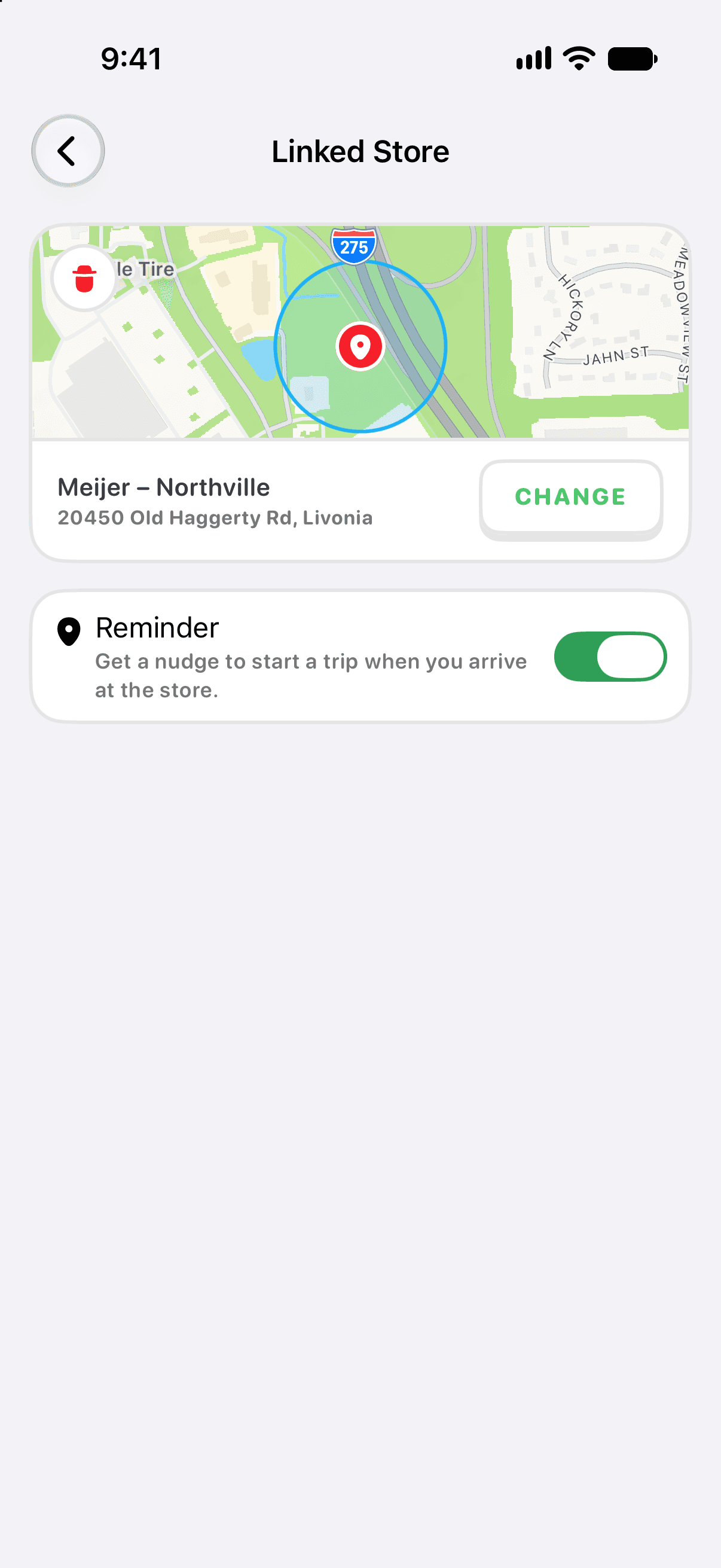
- Open the list. If it isn't linked to a store yet, tap the Link this list to a store banner — or go to Settings → Store & Aisles → Linked Store.
- A map opens with the grocery stores around you. Tap your store — or tap anywhere on the map to drop a pin if your store isn't listed.
- Pepperjack links the list to that exact location — not just the chain — because aisle numbers differ between locations of the same store.
Once a store is set, items get a suggested aisle and a predicted price as you add them, and the list can sort itself into the order you'll walk the store.
Which stores work?
Aisle and price lookups currently support Walmart, H-E-B, and Meijer locations in the United States, and the list is growing. Any other store still works great for lists, sharing, and trips — you just won't see aisle or price suggestions.
Switching stores
You can change a list's store any time from Settings → Store & Aisles → Linked Store. Aisle suggestions update to the new location automatically. If you shop at two stores regularly, many families keep one list per store.