
While a shopping trip is running, Pepperjack keeps a Live Activity on the Lock Screen and in the Dynamic Island, so trip progress is one glance away. Live Activities are part of Pepperjack Plus — and everyone on a Plus owner's list gets them.
What it shows
- Trip progress at a glance: what's been found and what's still left
- Who's shopping, at which store, with a live trip timer
- The next item coming up
The magic is for the people at home: when someone else is shopping a shared list, your Live Activity updates as they go. You'll see the trip ticking along in real time — the moment to remember the yogurt.
Requirements & settings
- Live Activities need Pepperjack Plus on the list (your own plan, or the list owner's).
- iOS shows Live Activities for up to 8 hours; a grocery run is well within that.
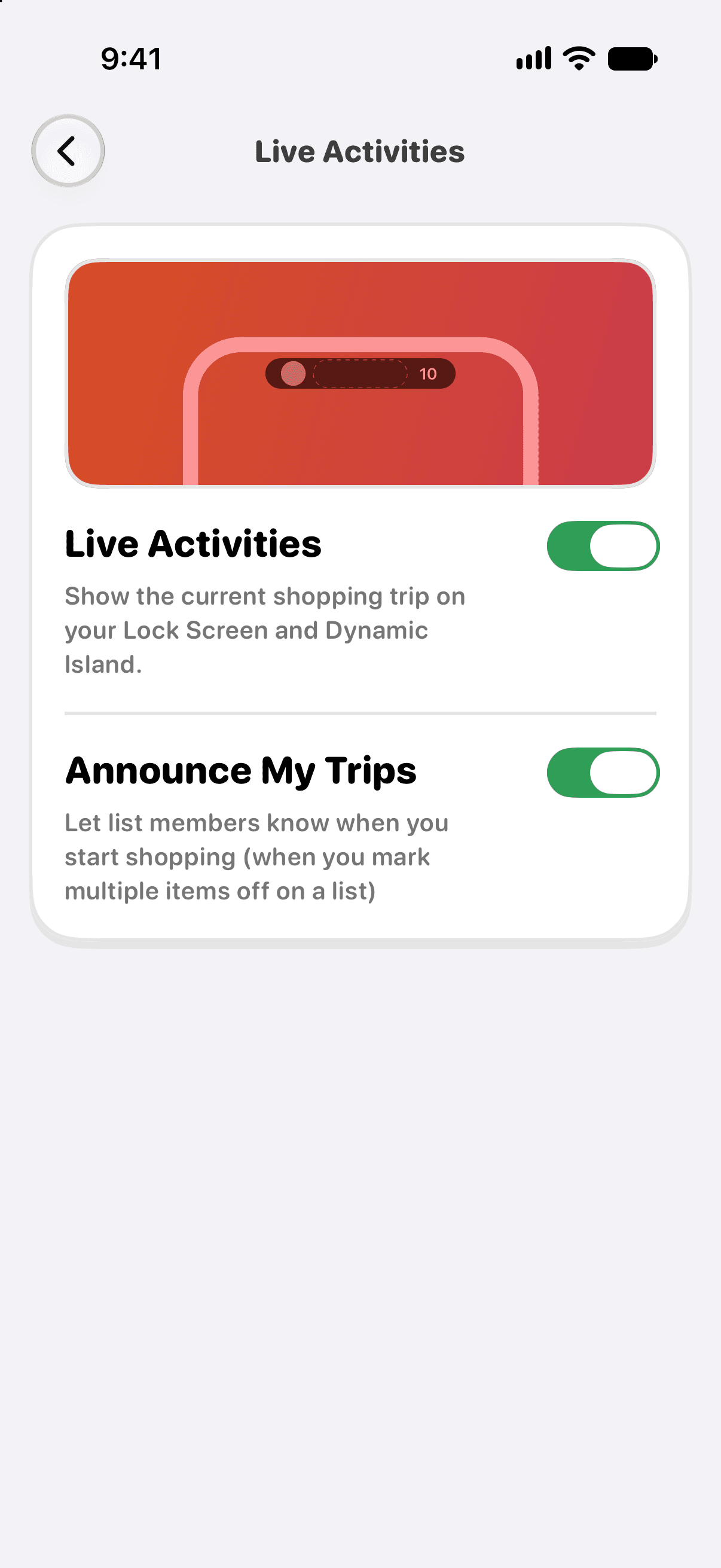
- To turn them off, open Settings → Preferences → Live Activities in Pepperjack, or disable Live Activities for Pepperjack in iOS Settings → Pepperjack.
If the Live Activity doesn't appear
- Confirm the list is on Pepperjack Plus — see What's included in Pepperjack Plus.
- Check iOS Settings → Pepperjack → Live Activities is on, and the in-app toggle under Settings → Preferences is on.
- Notifications delivery must be allowed (updates arrive silently as pushes).
- Focus modes don't block Live Activities, but Low Power Mode can delay updates.