
A trip is Pepperjack's shopping mode — the difference between planning the list at home and working through it in the store.
Start a trip
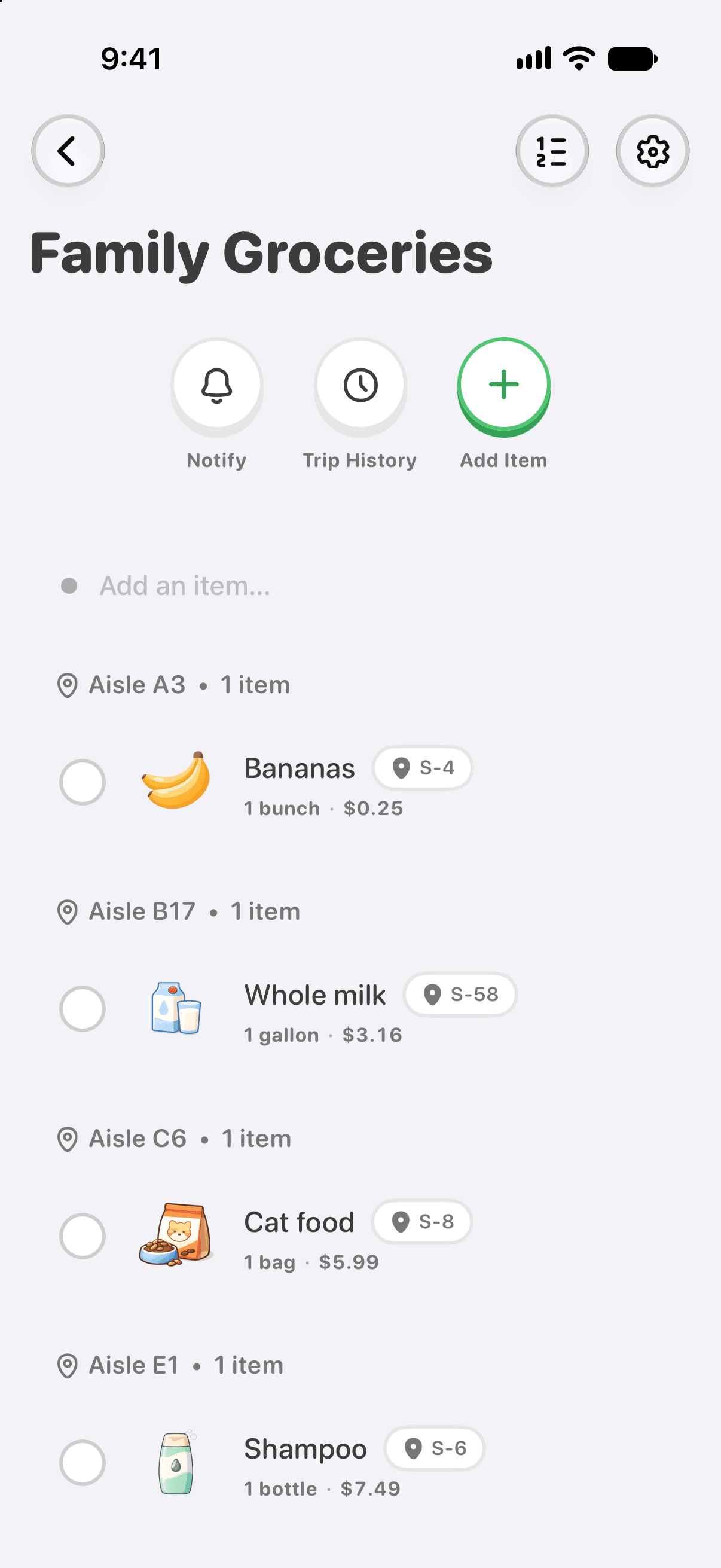
Open your list and tap the circle beside an item as you put it in your cart. Keep checking items off as you shop:
- The list keeps your sorting — with a store linked and Smart sorting on, that's aisle order, so the list follows your path through the store.
- Tap the circle beside each item to move it into your cart.
- Everyone on the list sees your check-offs. With Announce My Trips enabled in Preferences, Pepperjack can also announce your shopping trip to list members.
- Mark an item out of stock or swap it, and the change is visible to everyone instantly.
Multiple people can shop the same trip — split up, take different aisles, and watch items get checked off as your partner finds them.
Finish
Tap Done Shopping when you're done. Pepperjack shows a quick summary — what was found, what was missed, how long it took — and the trip lands in Trip History. Recurring items schedule their return, and the list resets for next time.
From your Lock Screen
With Pepperjack Plus, a Live Activity keeps progress on your Lock Screen and in the Dynamic Island while a trip is live. See Live Activities.