
Base and Pepperjack Plus can be billed through the App Store. In the United States, you can also subscribe on the web through Stripe checkout. Manage or cancel with the payment provider you used to subscribe.
If you subscribed through the App Store
- On your iPhone, open Settings and tap your name at the top.
- Tap Subscriptions, then Pepperjack.
- From here you can switch plans (monthly ⇄ yearly), see your renewal date, or Cancel Subscription.
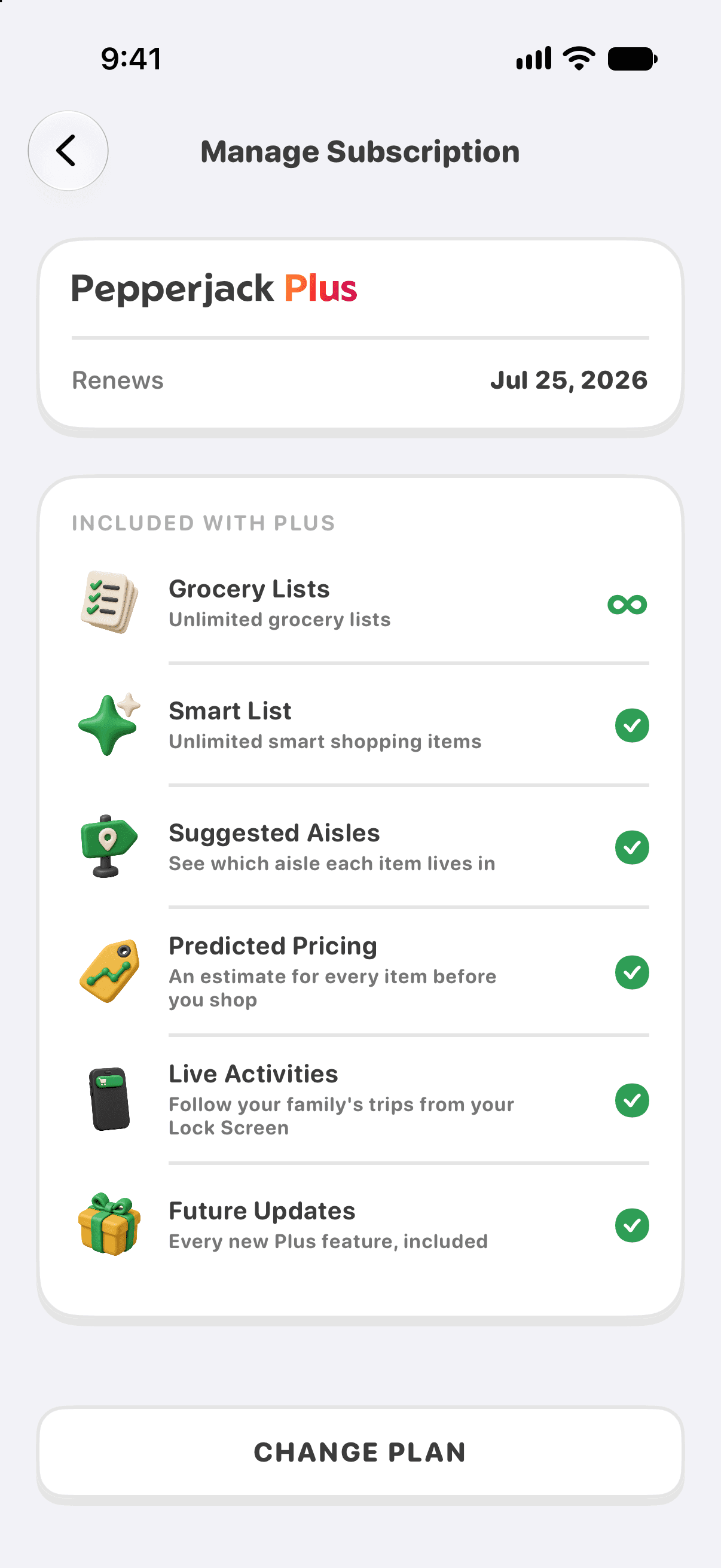
You can also get there from inside Pepperjack: open Settings, tap your plan card, then Manage Subscription.
If you subscribed on the web (United States)
Web purchases are billed by Stripe. Open Settings in Pepperjack and tap your plan card — Manage Subscription opens your Stripe billing portal. You can also use the billing-portal link in your purchase confirmation email. From the portal you can update your payment method, see your renewal date, or cancel.
If you bought Lifetime, there is no renewal to manage or cancel. Keep your purchase confirmation for your records.
What happens when you cancel
- Your plan remains active until its access period ends, as shown by your billing provider.
- Your lists are kept. Without another qualifying plan or grandfathered access, your own lists become read-only when access ends. Subscribe again to edit and shop.
- Grandfathered accounts keep their original access and two-list creation allowance. Shared lists remain usable while their owner has access or you have your own qualifying plan.
- An active subscription, including one with renewal canceled, must be upgraded through its current billing provider. After expiry, the normal US purchase options are available again.
Trials
Eligible Base subscribers receive a 14-day trial. Plus trial offers vary; use the terms shown at checkout. Trials convert to paid subscriptions unless canceled before the stated deadline. Your billing provider shows when access ends after cancellation.
Refunds
For an App Store purchase, request a refund from Apple at reportaproblem.apple.com. For a web (Stripe) purchase, email [email protected]. Except where required by law, payments are non-refundable.