
How Pepperjack Plus comes back depends on whether you subscribed through the App Store or on the web.
App Store purchase
- Open Pepperjack and go to Settings.
- Tap the Pepperjack Plus card.
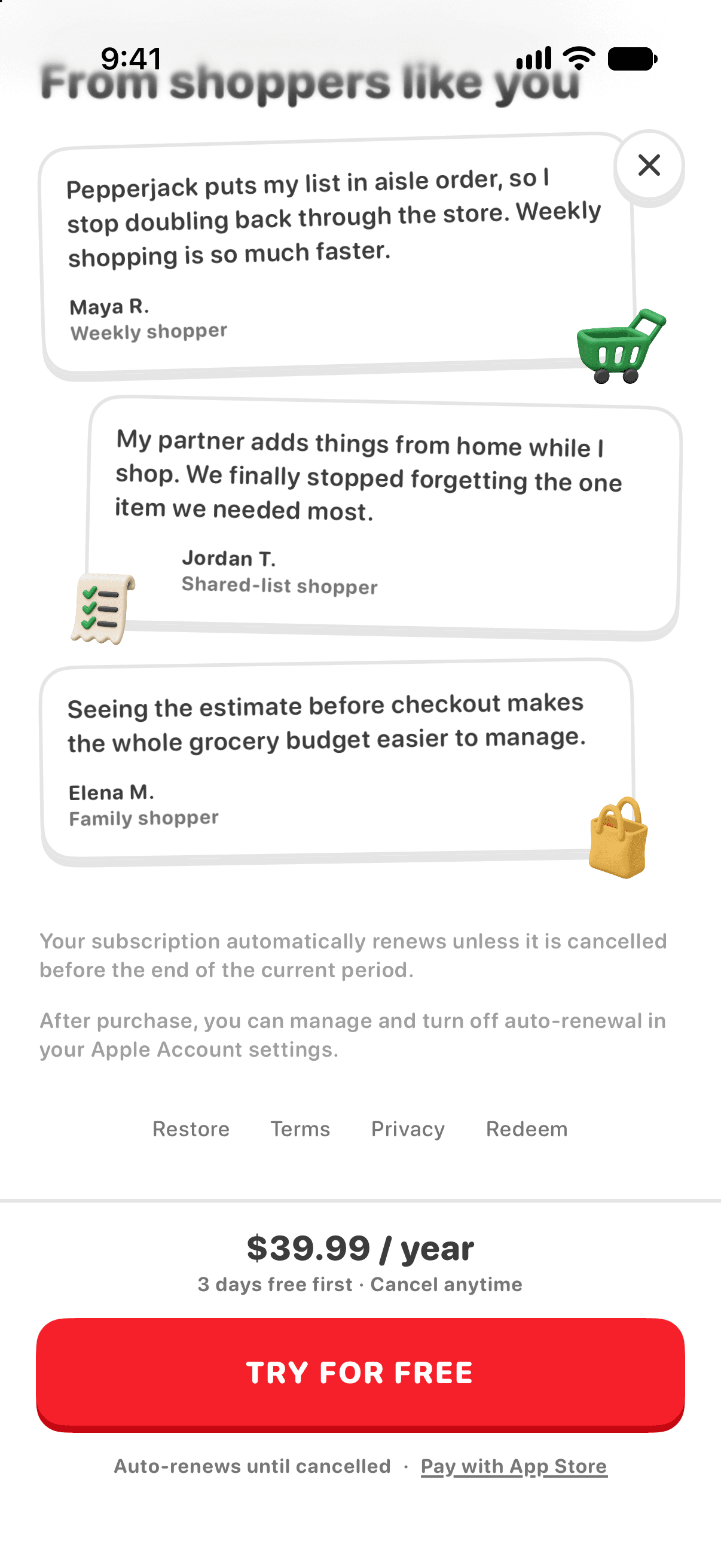
- Tap Restore at the bottom of the Plus screen. You may need to scroll down to find it.
Do this whenever Plus seems missing — after a new phone, a reinstall, or joining a family member's subscription through Family Sharing.
Still locked?
- Make sure you're signed in to the same Apple ID that bought the subscription (iOS Settings → your name).
- Check the subscription is actually active: iOS Settings → your name → Subscriptions → Pepperjack.
- For Family Sharing, the organizer needs Share Purchases turned on in Family Sharing settings.
Web (Stripe) purchase in the United States
Web subscriptions attach to your purchase identity automatically, so Plus usually appears on its own. If Plus isn't showing, first confirm the subscription is active in the Stripe billing portal linked from your purchase confirmation email, then try Restore Purchases on the Pepperjack Plus paywall.
If none of that helps, write to [email protected] or use Settings → Send Feedback and include roughly when you subscribed — a human will sort it out.