
Suggested Aisle is part of Smart List — Pepperjack Plus's store intelligence — and it's the feature that turns a list of groceries into a walking route. It works at every store Smart List supports.
What it does
When your list has a store set, every item you add is looked up at that exact location — not just the chain. A few seconds later the item carries an aisle chip like Aisle 12 or Produce, and the list can group itself into store order.
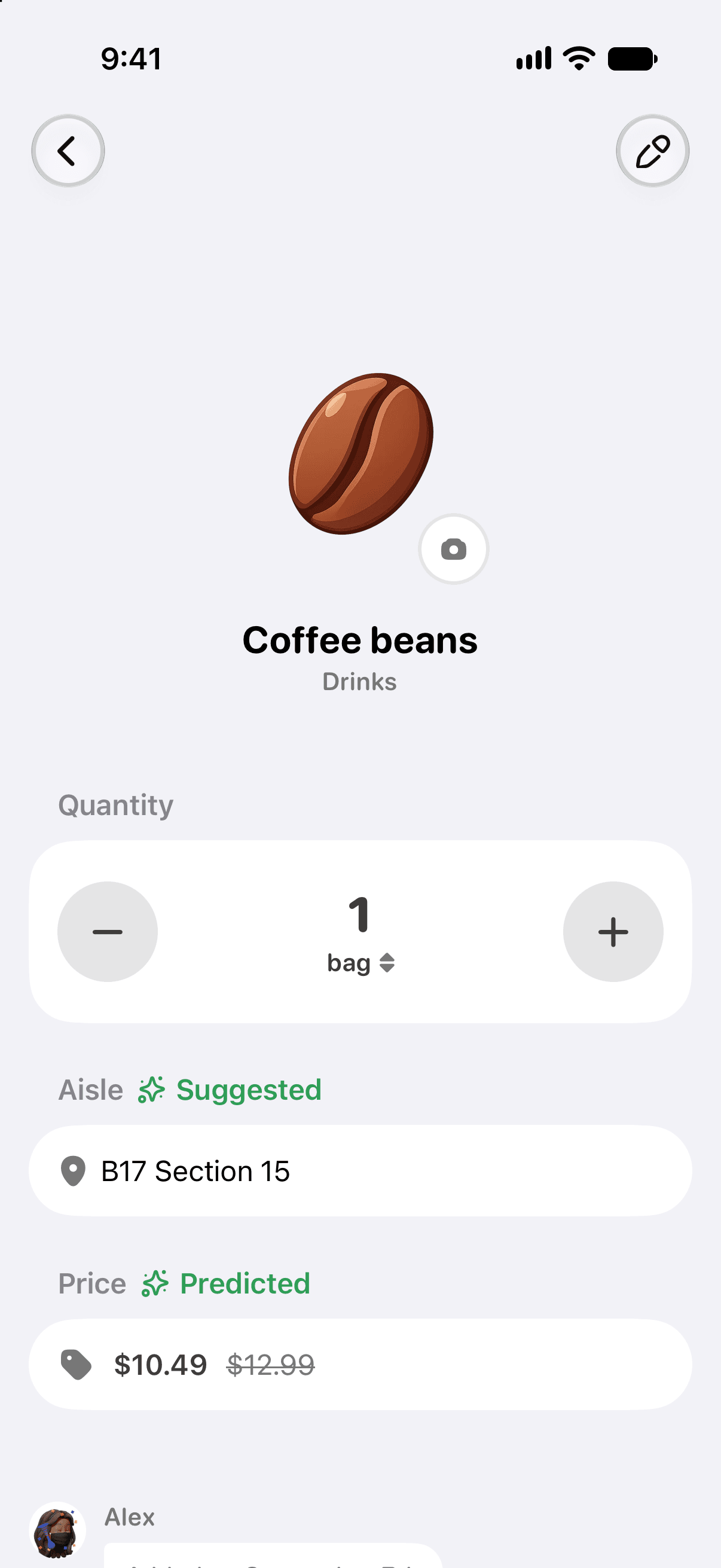
Where the data comes from
Pepperjack checks the store's own shelf data for your specific location, the same information the store's website and app use. Lookups happen in the background right after you add an item — you don't have to do anything.
Good to know
- Aisle lookups are part of Pepperjack Plus, and everyone on a Plus owner's list sees them.
- Supported chains today: Walmart, H-E-B, and Meijer (US locations). More are on the way.
- Seasonal and promotional items sometimes move around; stores occasionally renumber aisles. When something looks wrong, you can correct it in a couple of taps and your correction sticks.
- No store set, or an unsupported store? Items fall back to sensible category groups (Produce, Dairy, Frozen…), which you can reorder to match your store.