
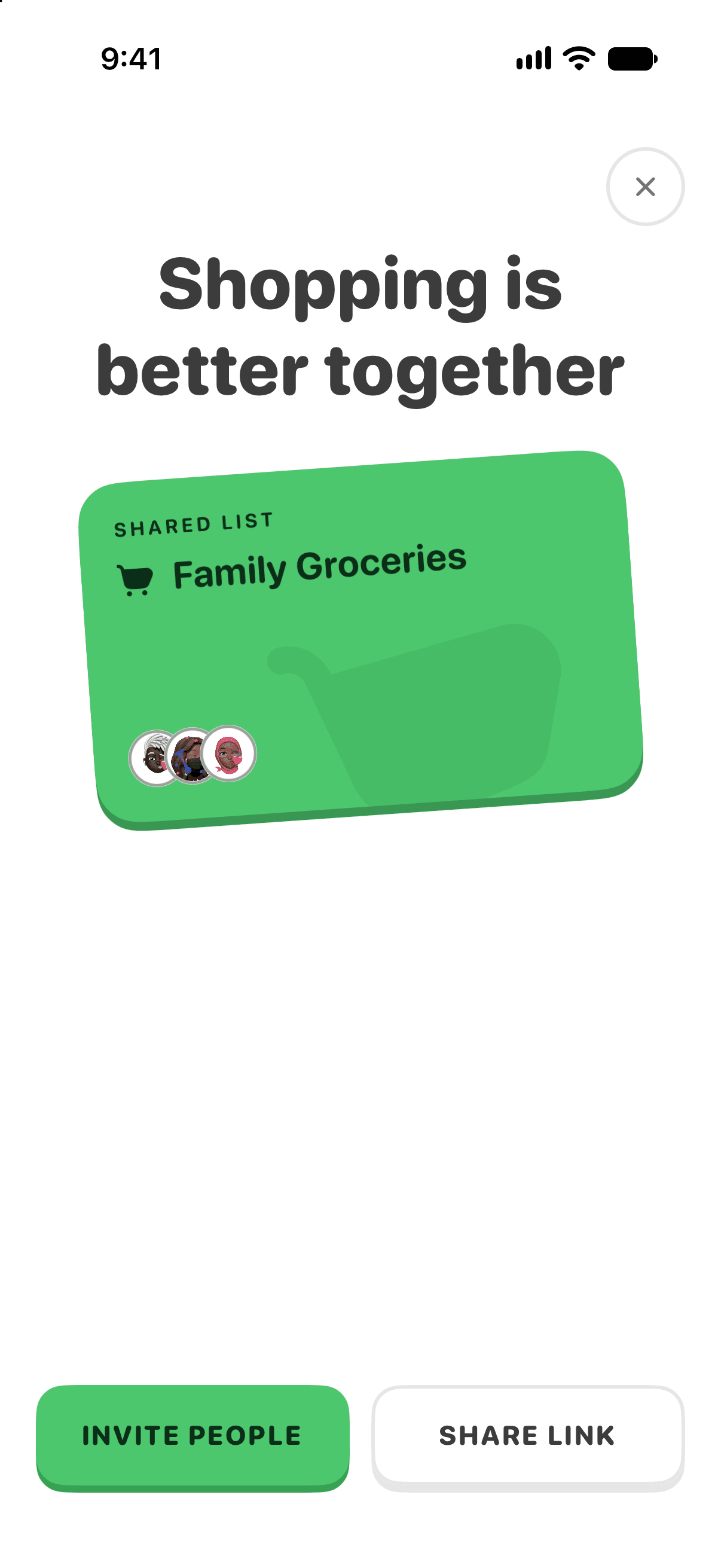
Grocery lists are better shared. In Pepperjack, everyone sees the same list at the same time — add an item from the couch and it appears for the person standing in the store.
Invite someone
- Open the list and tap Invite — or go to Settings → Members → Invite to List.
- Share the link over Messages, WhatsApp, email — anywhere.
- When they tap the link, Pepperjack opens (or the App Store does, if they don't have it yet) and they join the list.
People you invite are covered by your active plan or grandfathered access — they do not need their own subscription to use your list, there's no limit on how many people share a list, and they see the same aisles, prices, and trips you do.
How syncing works
Lists sync through Pepperjack's own secure backend. Everyone on a list signs in to Pepperjack once — one tap with Apple or a phone number — and from then on changes reach everyone the moment they happen.
Limits
- Base and Pepperjack Plus: unlimited lists and unlimited invited members. Plus adds Smart List features.
- Grandfathered accounts: keep their existing access and two-list allowance.
- Invited members: inherit the list owner’s access. If that access expires, the shared list becomes read-only unless the member has their own qualifying plan.
See Plans, trials, and access or What's included in Pepperjack Plus.