
Sync problems are almost always one of a handful of causes. Work through this list in order — the first three fix most cases.
The quick checklist
- Check both people are signed in to Pepperjack: open Settings in the app and confirm an account is shown. If it offers a sign-in button instead, that's the problem.
- Check a connection exists. Sync needs the internet; a phone deep in a concrete store can drop to nothing. Changes made offline sync as soon as coverage returns.
- Pull to refresh the list, or switch to another list and back.
- Low Power Mode delays background sync. Opening the app foreground-syncs immediately.
- Restart the app — swipe up and reopen. This clears most stuck states.
If one person specifically never gets updates
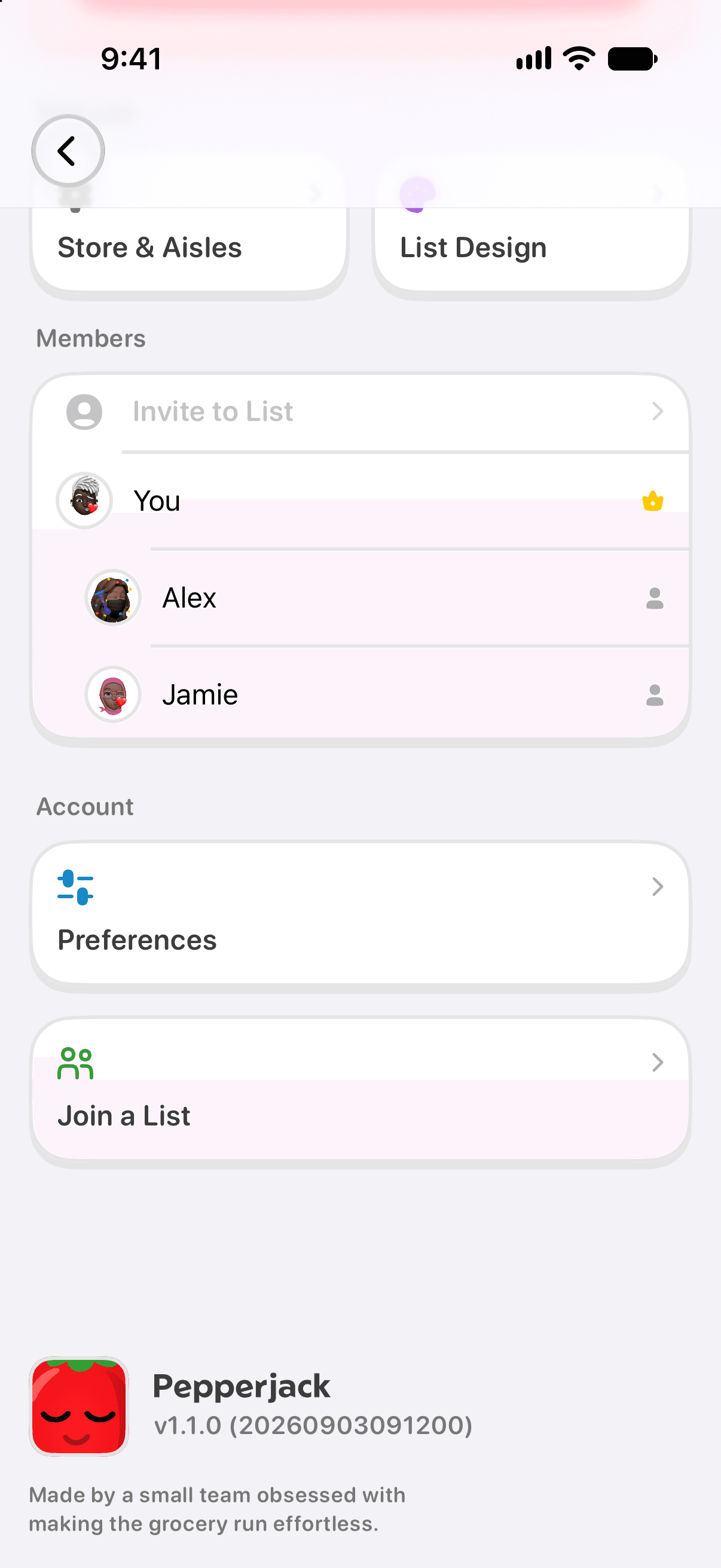
- Have them confirm they're still on the list (Settings → Members). If they were removed, they'll need a new invite.
- Have them check iOS Settings → Pepperjack and confirm nothing is restricted (e.g. cellular data off for the app).
Still stuck?
Send us a note from Settings → Send Feedback with which list and roughly when the miss happened — that's enough for us to trace it. Or email [email protected].